back to art styles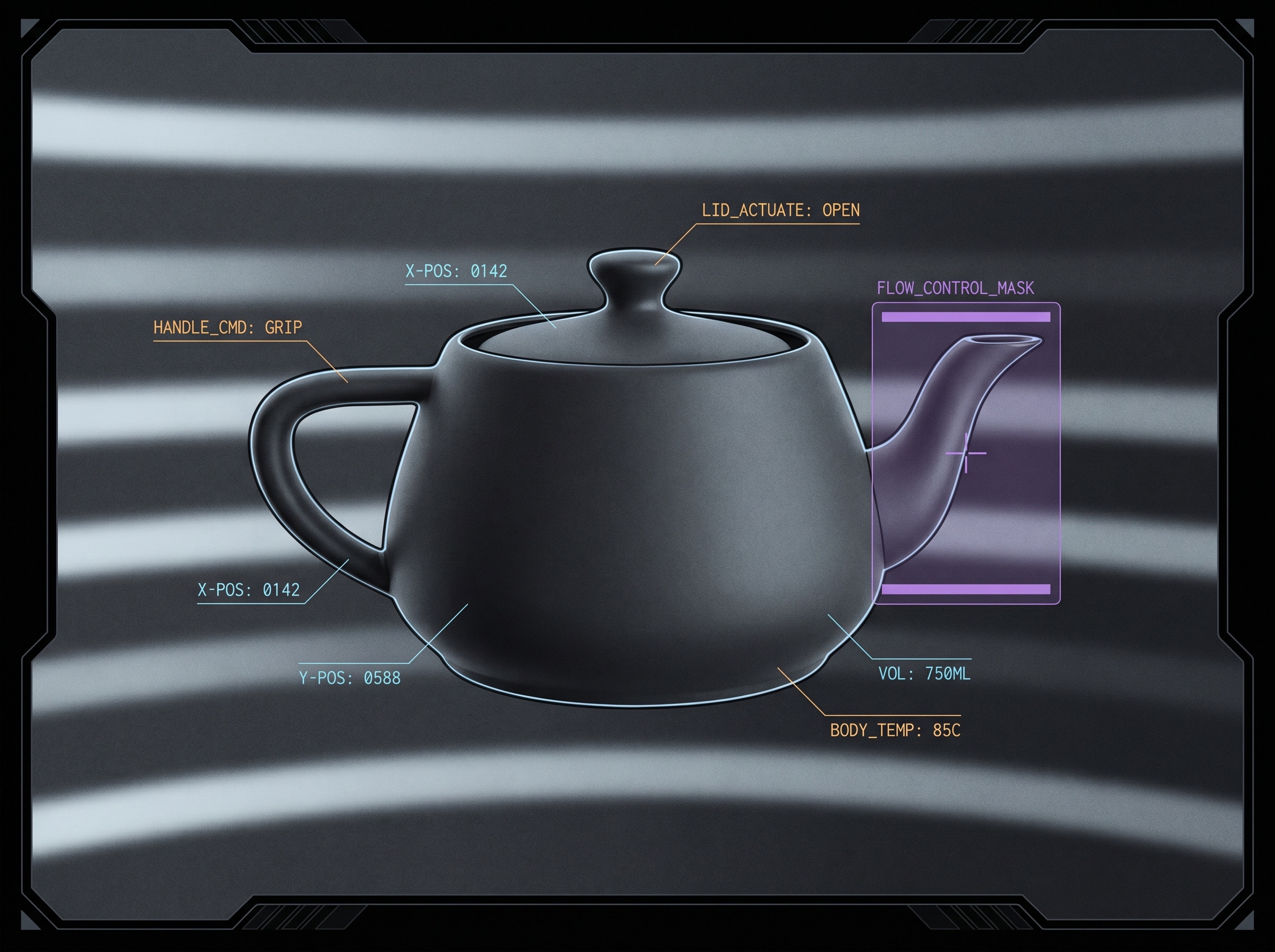
Art lane
Graphite Console
An engine-agnostic style recipe: a wide hero, proof shots across subjects, and a portable prompt.
1 hero · 3 proofs
Prompt template
{subject}, in the style of Graphite Console — rendered as if inspected through a precision operations workstation, {palette}, cool graphite tonality with sharp matte surfaces over a deep near-black ink field, broad soft horizontal luminance scan bands sweeping across the whole frame, fine one-pixel cool edge highlights tracing the subject's contours like inset highlights on machined hardware, thin monospaced syntax-color annotation tags pinned to the form (amber command labels, cyan numeric data values), a single translucent violet selection mask over one region with paired top-and-bottom rules, subtle clipped-corner panel framing at the image corners only, disciplined and calm and premium, dense instrumentation feel, full frameSlot recipes
hero — Single strong subject filling the frame in cool graphite tonality, broad horizontal luminance scan bands behind it, fine cyan edge highlights along its silhouette, a few amber command tags and cyan data values pinned to it, one translucent violet selection mask with paired top-and-bottom rules, only the corners hinting clipped-panel framing.
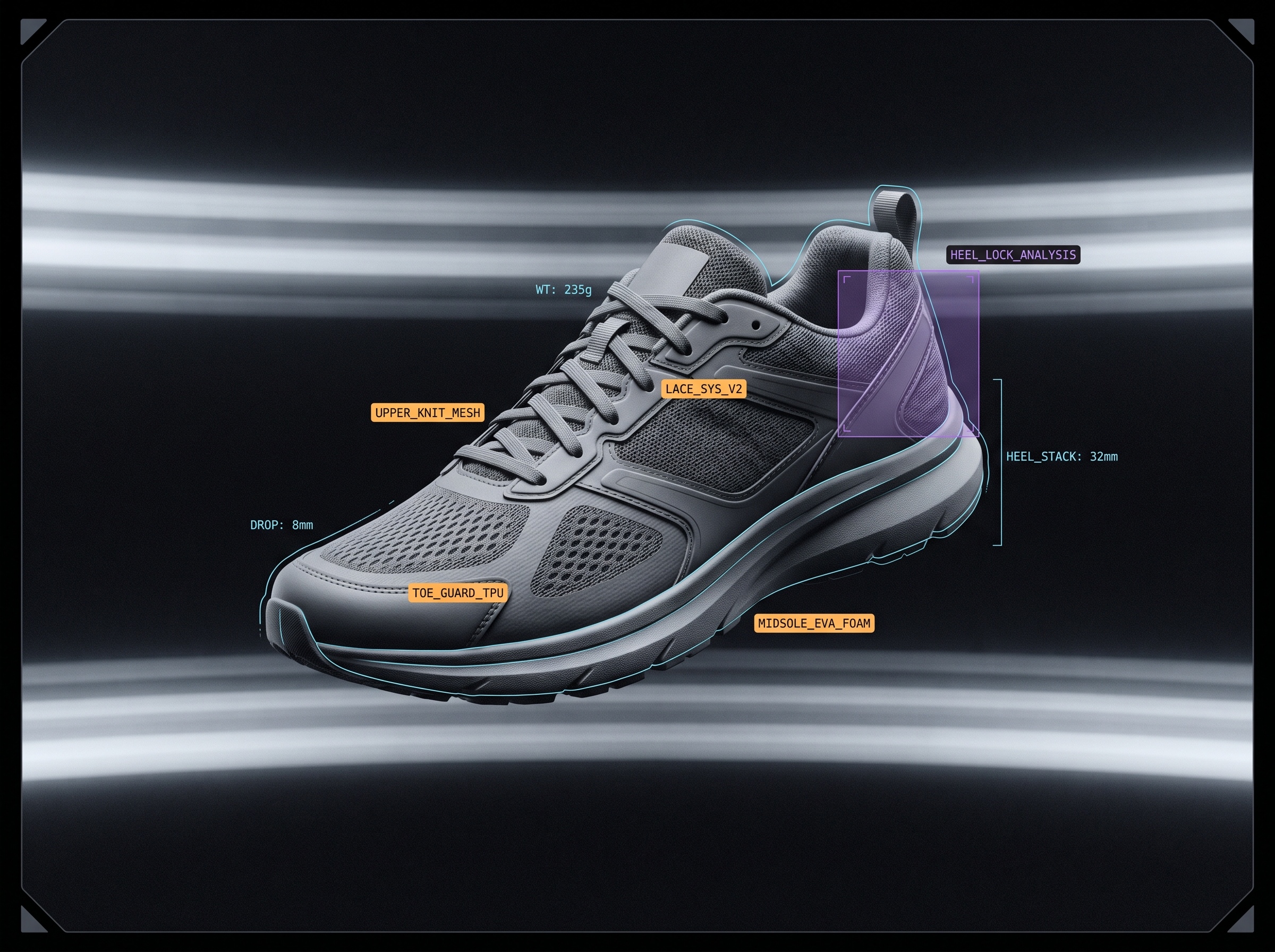
feature — Medium-distance subject with three or four monospaced annotation callouts (amber commands, cyan measurements) leadered onto distinct parts; scan bands subtle; one violet selection region highlighting the feature being described.
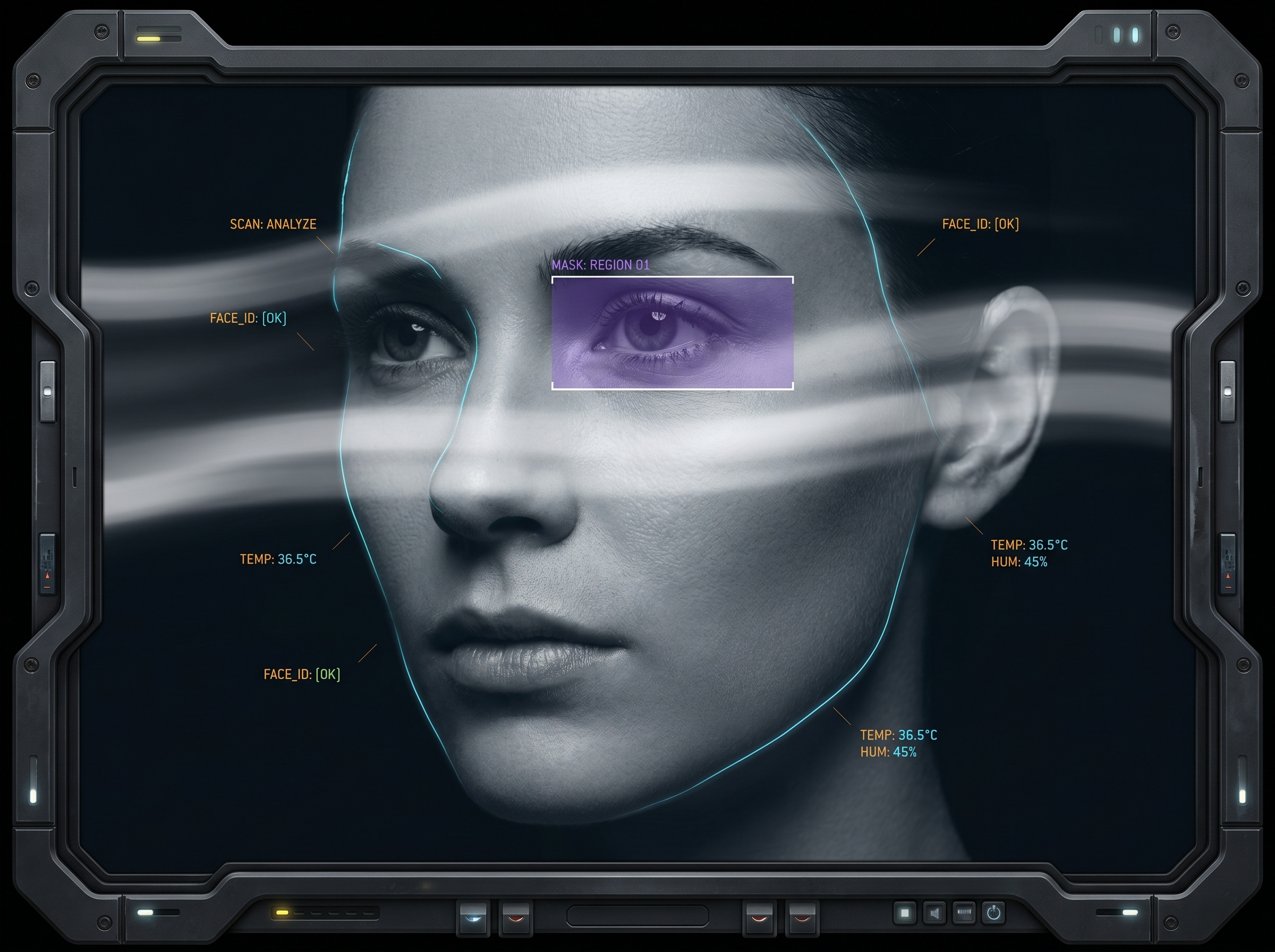
avatar — Tight three-quarter portrait of the subject, graphite matte rendering, a single cyan contour highlight and one small amber identity tag; minimal scan banding; square-friendly framing with corner clip hints.
empty-state — A sparse graphite field with broad horizontal scan bands and a single dim, unselected outline of the subject, one muted amber 'no signal' style command tag and no data values — quiet and waiting.
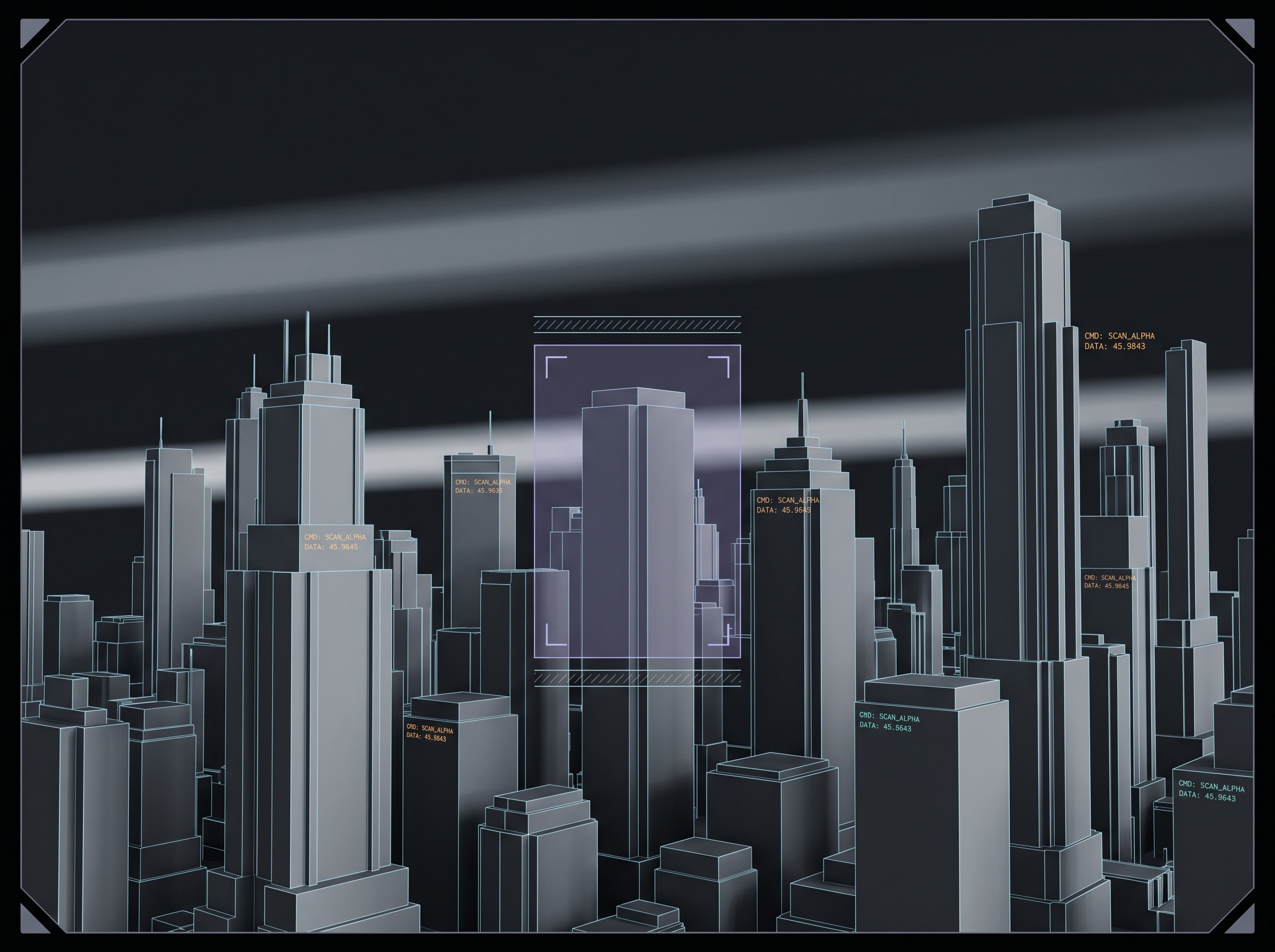
illustration — Full editorial scene of the subject parsed by the console: layered scan bands, multiple leadered annotation tags across the composition, one violet selection mask, fine cyan edge tracing throughout, dense but calm instrumentation reading.
instrument-rendergraphitescan-bandssemantic-syntax-colormonospace-annotation
Credits · in the lineage of
- Operations-console instrument rendersTraditionworkstation inspection framing
A generated style is an aggregate of many influences — credit is given to the artists and traditions it draws on, not a claim of authorship.
produced by unrecorded · sourced by unrecorded · images by unrecorded
Do
- · Render the subject in cool graphite tonality with sharp matte surfaces; let it fill the frame.
- · Use broad soft horizontal luminance bands as the ground — never a square grid or dotted texture.
- · Limit annotation color to three semantic roles: amber commands, cyan data, violet selection.
- · Trace the subject's silhouette with fine one-pixel cyan edge highlights, like inset hardware highlights.
- · Pin monospaced tags directly onto the subject with thin leader lines; keep them legible and tabular.
- · Hint the clipped-corner panel only at the image corners; the technique frames the subject, it is not a device.
Don't
- · Don't render a thick device bezel or hardware chassis that becomes the real subject.
- · Don't drift into vaporwave, cyberpunk neon glow, CRT scanlines, or green hacker text.
- · Don't spread accent colors as decoration; every tag color must mean command, data, or selection.
- · Don't bury the subject under whitespace or leave large blank margins — the frame stays full.
- · Don't add square-grid wallpaper, dotted texture, side rails, or colored card stripes.
try it
remix with this style
Apply Graphite Console to any UI language and swap the palette — the preview takes this style's hero image.
Needs a Published language and palette to remix.