back to art styles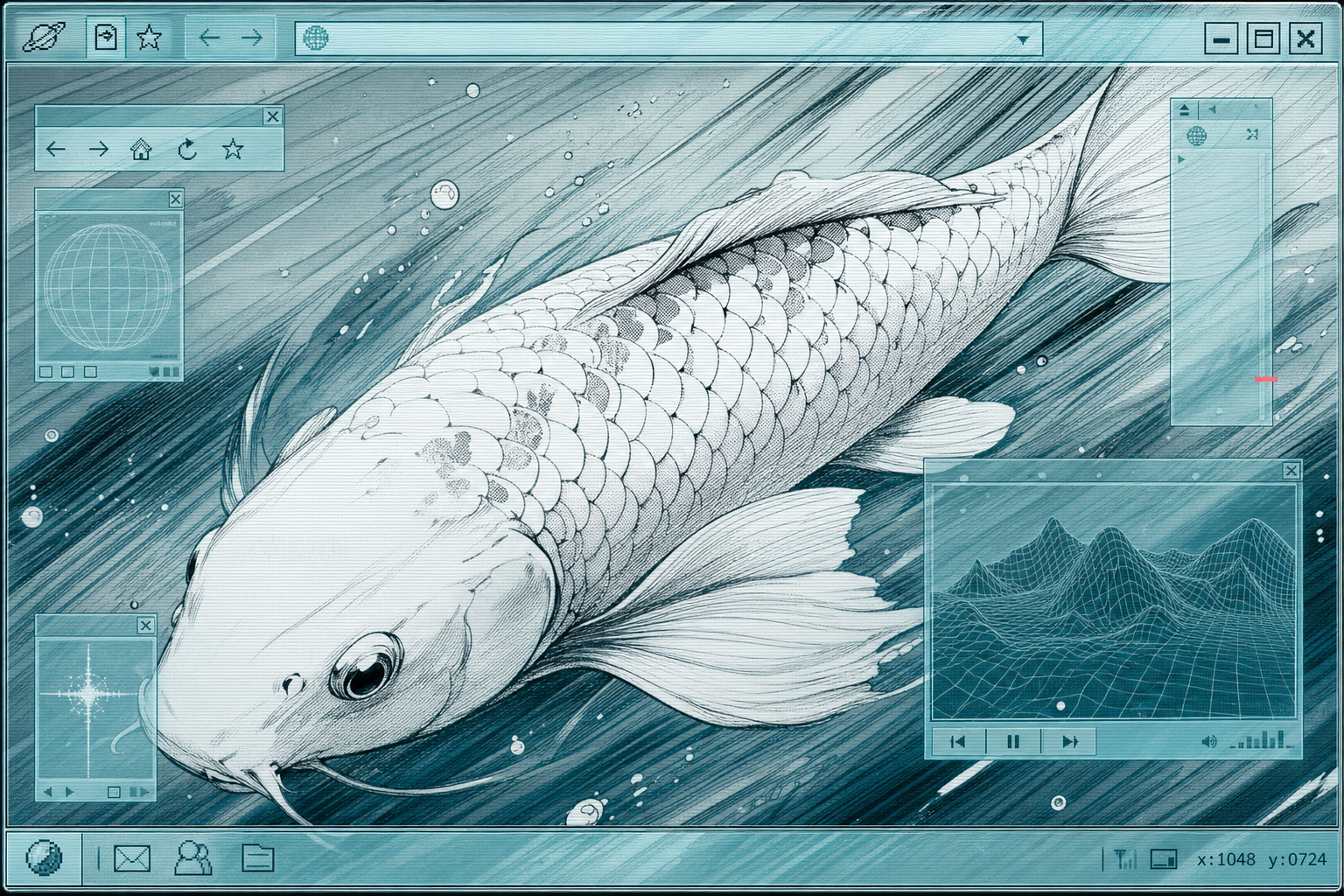
Art lane
Aquaglass Bulletin
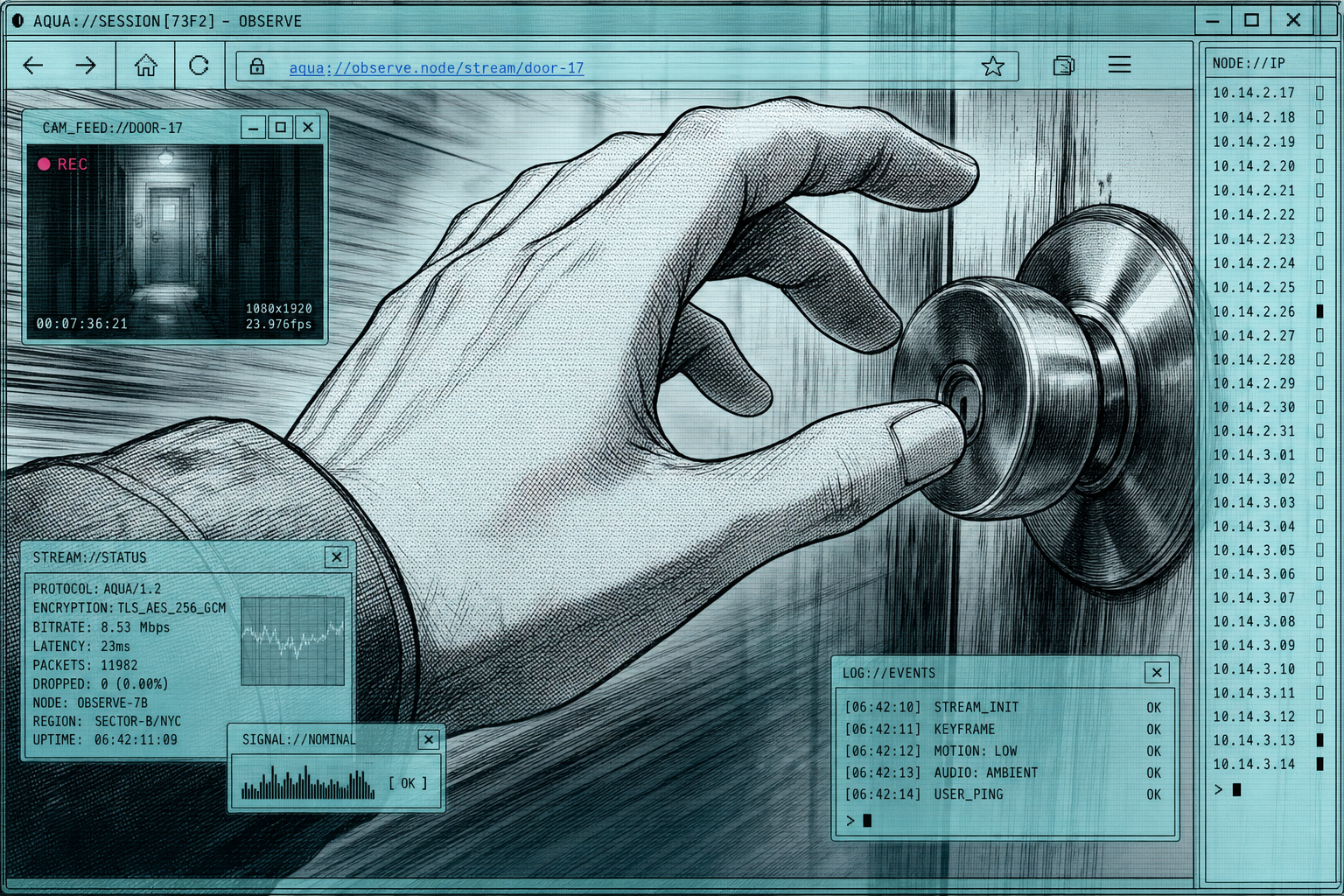
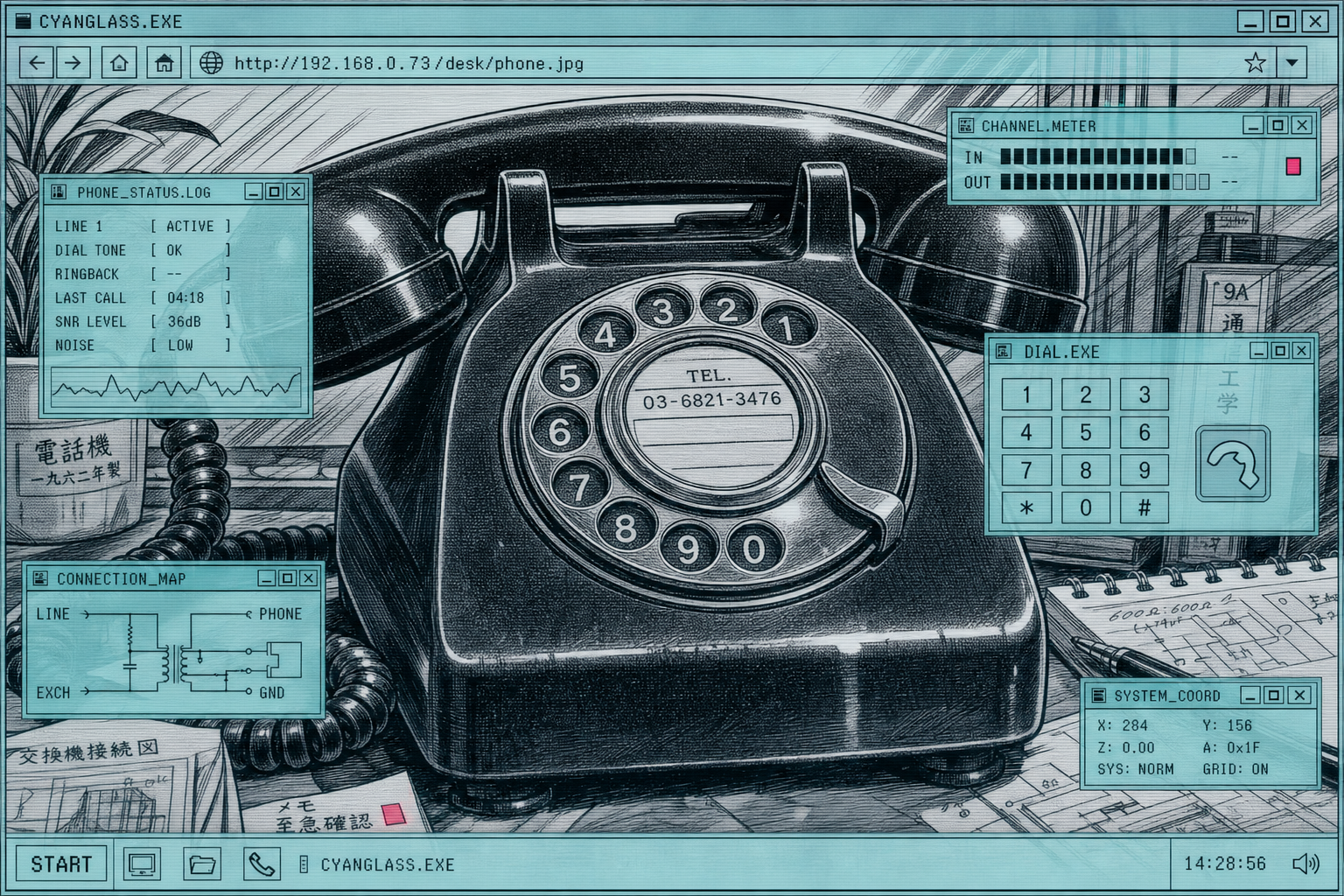
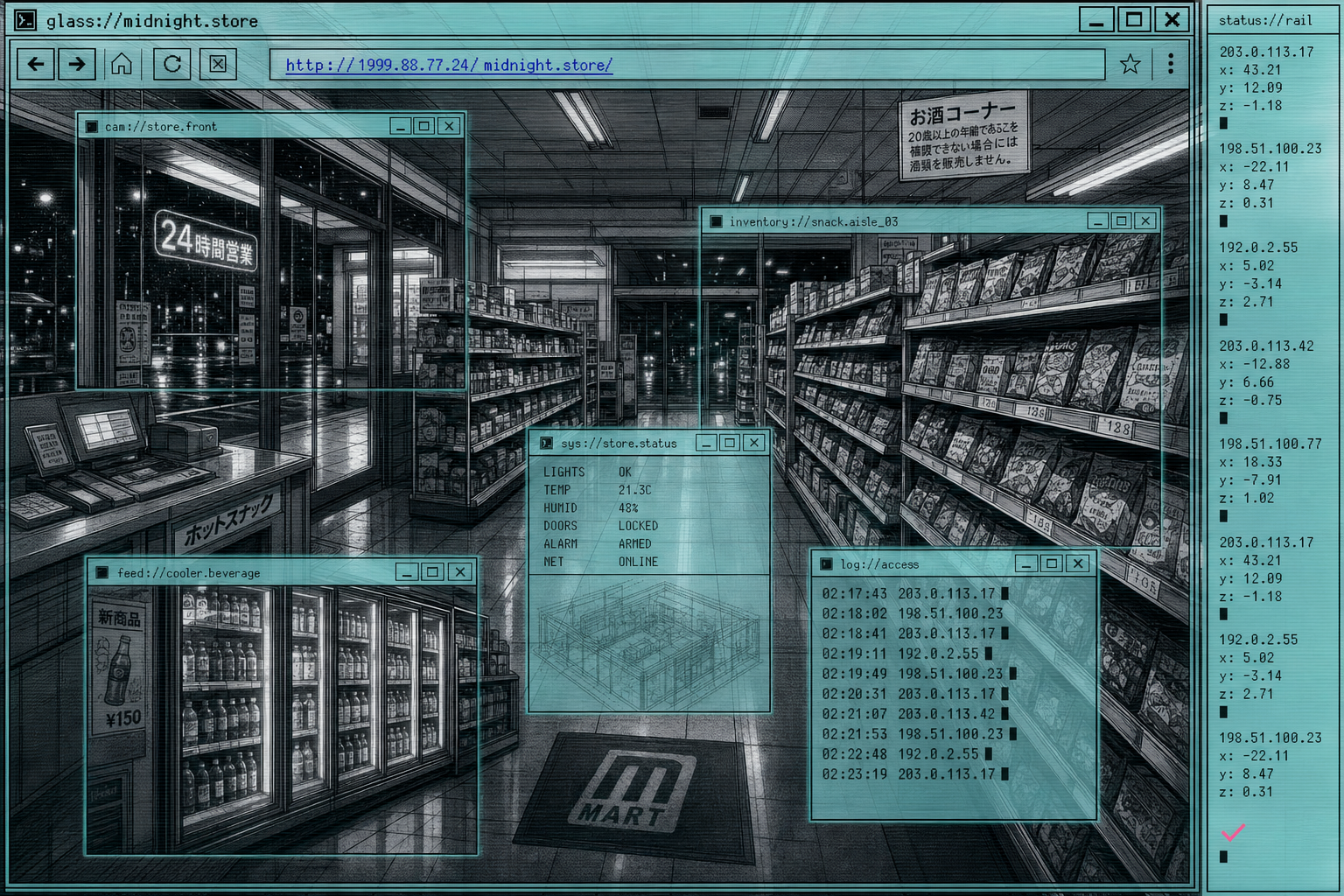
An engine-agnostic style recipe: a wide hero, proof shots across subjects, and a portable prompt.
1 hero · 3 proofs
Prompt template
{subject}, in the style of Aquaglass Bulletin — the subject is rendered full-frame edge to edge in near-monochrome black-and-white inked linework with halftone dot shading and a few diagonal speed lines, then the whole image is overlaid with translucent pale aqua-cyan glass browser chrome: thin 1px near-black window rules with inset white highlights, translucent cyan title bars carrying tiny square bitmap buttons, a beveled address-input strip with a small blue underlined URL label, faint 1px horizontal scanlines, stepped progress-meter blocks, and a narrow rail of stacked monospaced coordinates and blinking cursor blocks tucked along one edge, {palette}, the inked subject dominating beneath luminous translucent aqua glass panes that overlap like captured windows, exactly one tiny coral-magenta anomaly tick as the only warm color, atmospheric and layered with quiet existential calm, no large empty whitespace, no paragraphs of readable textSlot recipes
hero — {subject} drawn large to fill a 16:9 frame in near-monochrome inked linework with halftone, overlaid with translucent aqua-cyan browser chrome — a title bar, beveled address strip, tiny bitmap buttons, faint scanlines and a narrow coordinate rail along one edge, one tiny coral anomaly tick, the subject dominant beneath luminous glass panes, full-frame edge to edge, no empty whitespace
feature — a single {subject} detail framed tight in 4:3 as an inked monochrome crop under one or two overlapping translucent aqua glass panes, a small bitmap icon row and a stepped progress meter, faint scanlines, restrained, one coral tick, full-frame
avatar — {subject} as a centered 1:1 inked monochrome crop trapped inside a single small translucent aqua browser pane with a tiny title bar and two bitmap buttons, faint scanlines, hard-corner window rule, one coral tick, full-frame
empty-state — a quiet {subject} as a sparse inked monochrome contour beneath one dim translucent aqua glass pane, a single blinking cursor block and one faint coordinate string, a lone small coral tick reading an anomaly, calm and unattended, full-frame, no paragraphs of text
illustration — a layered composition of {subject} as interlocking inked monochrome crops behind several overlapping translucent aqua browser panes at different weights — title bars, address strips, a vertical status rail of monospaced coordinates and progress cells, halftone and diagonal speed lines, faint scanlines, one tiny coral anomaly tick, full-frame edge to edge
inked-monochrometranslucent-aqua-glassbrowser-chrome-overlayhalftonescanlines
Credits · in the lineage of
- Manga ink linework and halftone screentoneTraditionThe near-monochrome inked subject, halftone dot shading, and diagonal speed lines descend from Japanese comic-art rendering conventions.
- Dreamcast-era / late-90s consumer web and OS skin designMovementThe beveled address bars, tiny bitmap buttons, stepped meters, and translucent cyan window chrome echo turn-of-the-millennium consumer-internet interface optimism.
- Diegetic surveillance and monitoring interface graphicsTraditionThe stacked coordinate rails, blinking cursor blocks, and coral anomaly ticks draw on the visual language of fictional network terminals and surveillance readouts.
- Frutiger Aero / translucent glass UI aestheticMovementThe luminous translucent aqua glass panes with inset highlights reuse the glossy semi-transparent interface material of early-2000s glass UI.
A generated style is an aggregate of many influences — credit is given to the artists and traditions it draws on, not a claim of authorship.
images by gpt-image-2
Do
- · Let near-monochrome inked linework of the subject fill the frame; the aqua glass browser chrome dresses it and never replaces it.
- · Keep aqua and pale cyan as luminous translucent interface material — title bars, glass panes, tab strips, active edges — not as decoration.
- · Overlap the browser panes like captured windows at different weights so the composition reads as layered and atmospheric, not flat.
- · Build interface furniture from real browser anatomy: title bar, beveled address strip, tiny square bitmap buttons, stepped progress meters, 1px scroll grooves, monospaced coordinate rails.
- · Reserve exactly one tiny coral-magenta tick as the only warm color, signalling anomaly, recording, or unattended access.
- · Use halftone dots, faint 1px scanlines, and a few diagonal speed lines to give the inked subject depth and motion.
Don't
- · Do not flatten the subject into a loud single-color silhouette; the technique is atmospheric, inked, and layered.
- · Do not render the browser apparatus or empty UI alone — the technique treats a subject, it is never the subject.
- · Do not use bright cyberpunk gradients, vaporwave sunsets, neon purple floods, or rainbow Y2K nostalgia.
- · Do not let coral-magenta spread into fills; it stays a single tiny highlighter tick.
- · Do not color the subject fully or render it as a full-body character poster; keep it inked, cropped, and constrained by the panes.
- · Do not leave large empty marketing whitespace or fill panes with readable paragraphs of text.
try it
remix with this style
Apply Aquaglass Bulletin to any UI language and swap the palette — the preview takes this style's hero image.
Needs a Published language and palette to remix.